
Imagine walking into a local business for the first time.
The lobby is cluttered. The paint is peeling. The fixtures are worn out and beat up. No one greets you. You aren’t quite sure where to go, who to talk to or how to find what you are looking for.
How confident would you feel about doing business with that company?
Now imagine the opposite.
The space is clean, welcoming, professional, and organized. Someone greets you immediately and clearly explains how they can help. There are signs helping you locate what you need.
Most people would naturally trust the second business more because they have taken the time to understand their customer.
The same experiences happen online every single day for customers–and most businesses don’t even realize it.
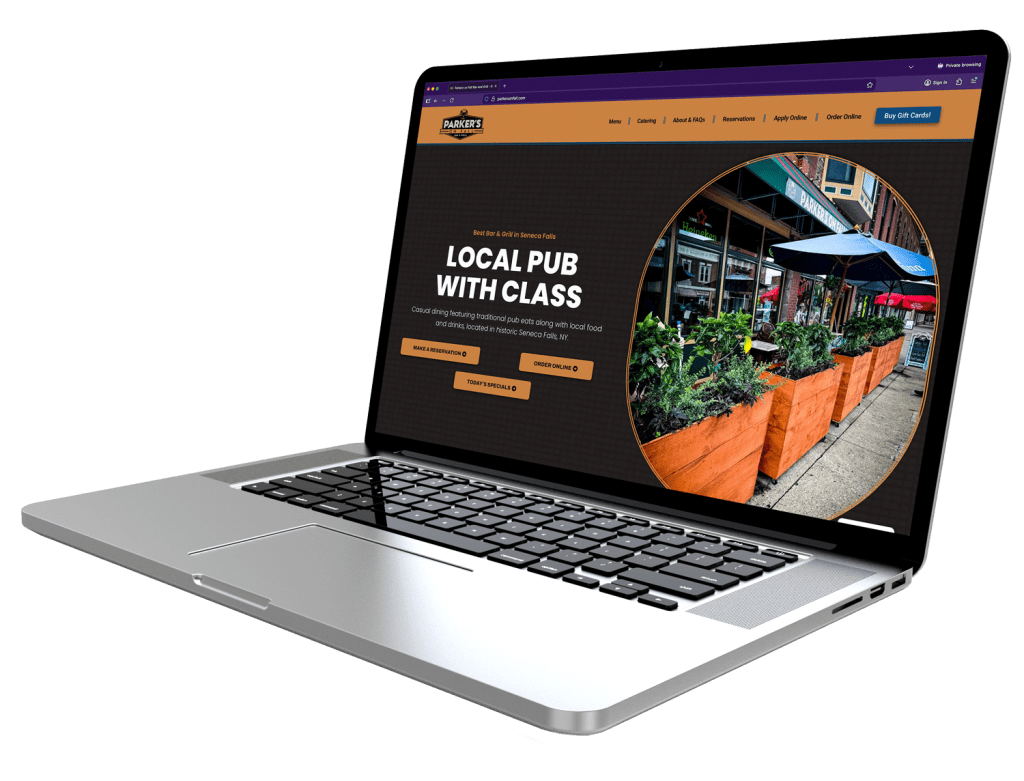
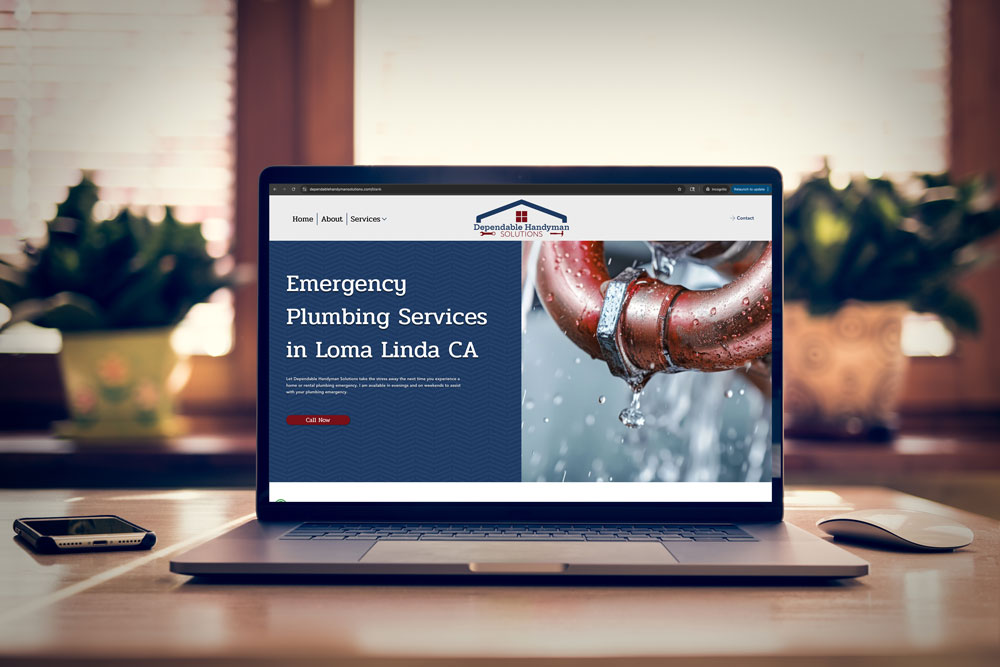
Whether we like to admit it or not, first impressions matter.
Your website is often the first interaction a potential customer has with your business. Before they call, email, or visit your location, they’re looking you up online. Your website is that all important first impression for a customer.
And here’s the surprising part:
Website visitors need just a few seconds to form an opinion about your business.
In those few seconds, they decide whether your business is trustworthy, professional, knowledgeable–and most importantly–whether your business is worth spending money on.
Let’s look at what your website might be saying to potential customers—and how to make sure it’s giving off the right first impression.
Most business owners assume visitors arrive on their website looking for to learn more about a company. While this is true, this is not the first thing a website visitor cares about.
In reality, website visitors are thinking about themselves when coming to your site.
They want to know:
• Can you solve my problem?
• Do you offer what I need?
• Can I trust you?
• What should I do next?
If your homepage immediately talks about yourself– your company’s history, your mission statement, or industry awards–without explaining how you help customers, visitors may lose interest quickly.
Take a look at the main headline on your website’s homepage.
Does it help people quickly understand:
• What you do
• Who you help
• Why someone should choose you
For example:
 “Welcome to ABC Enterprises”
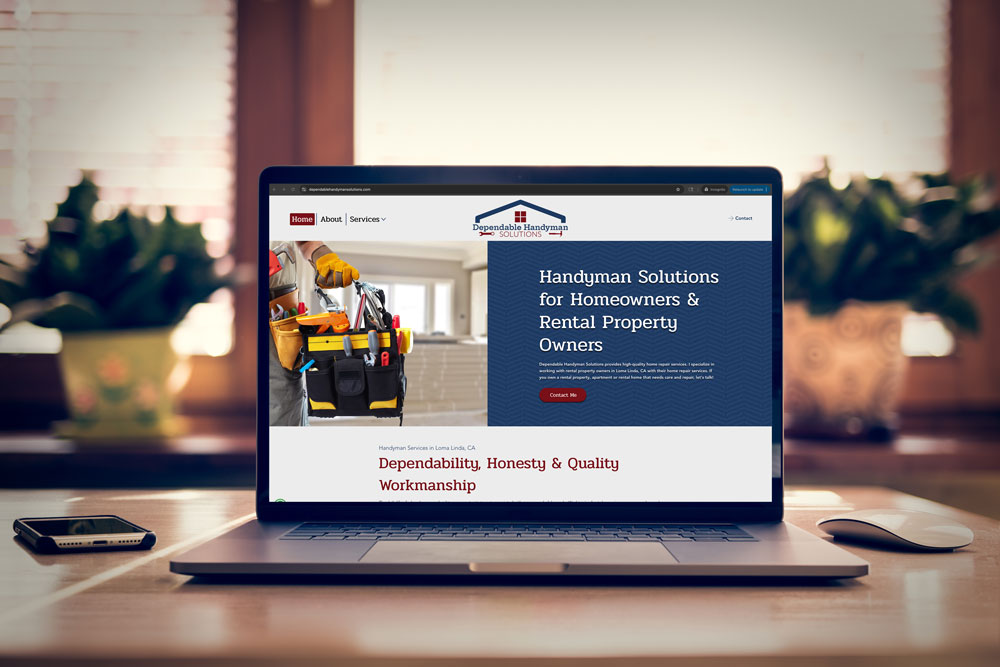
 “Professional Landscaping Services That Keep Your Property Looking Its Best Year-Round”
The second option immediately tells website visitors what they can expect from your business. Don’t waste people’s time–let them know immediately what you do and who you help.
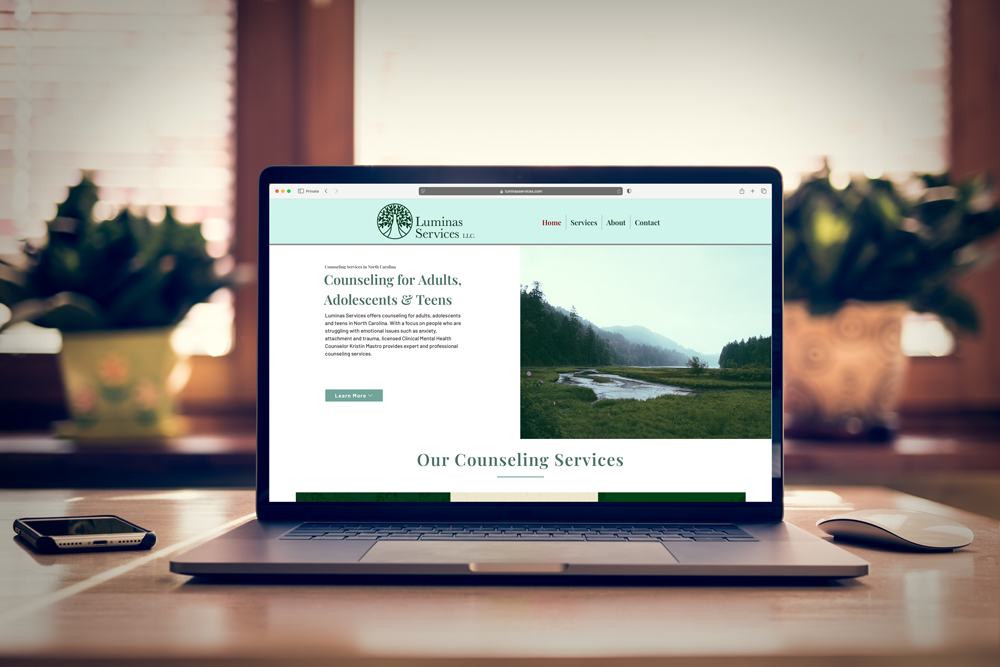
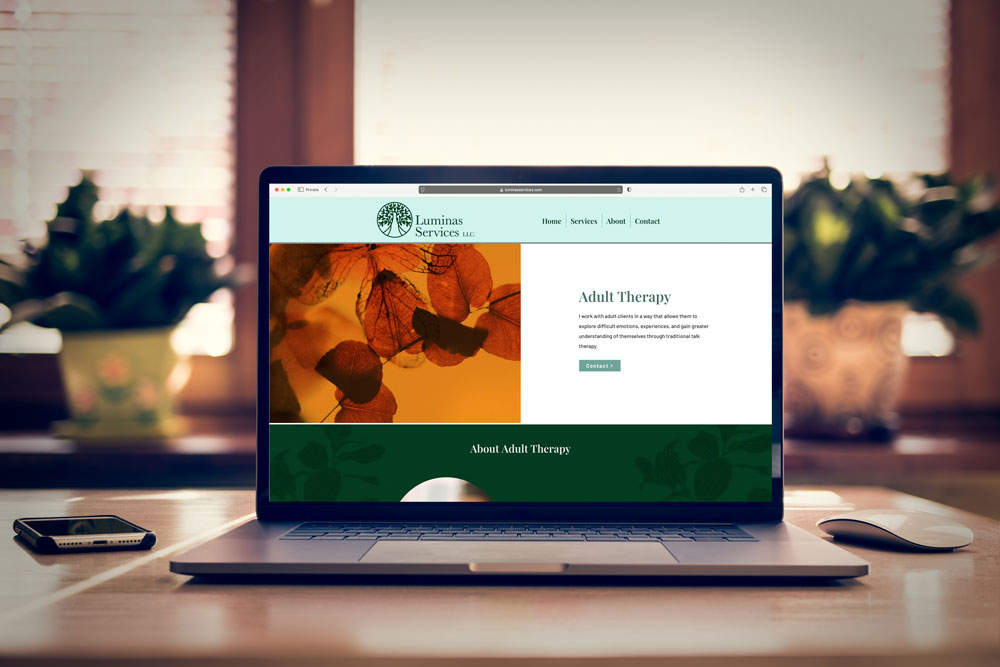
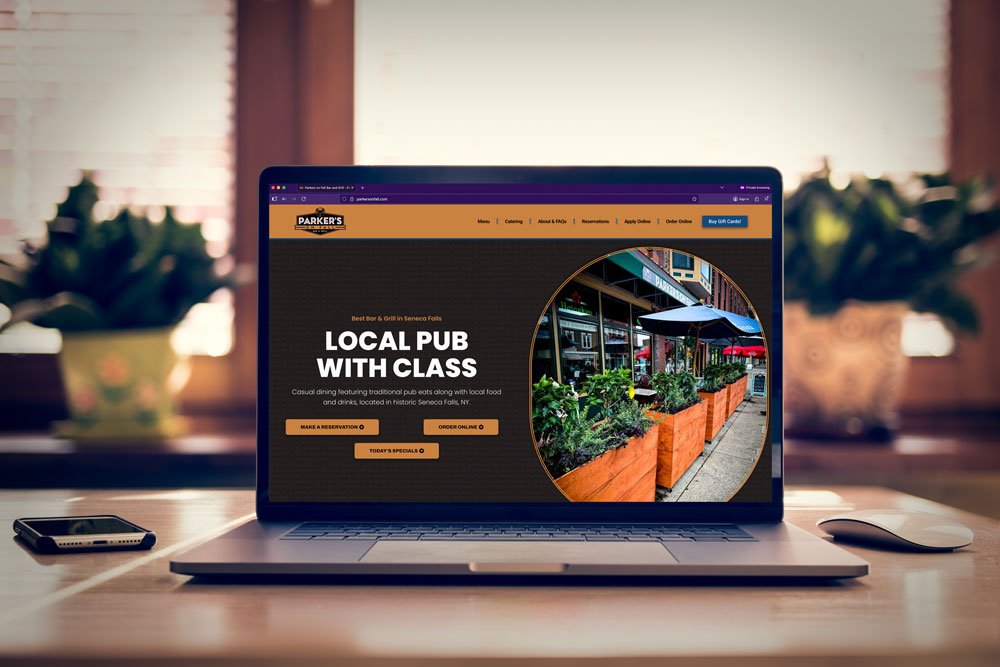
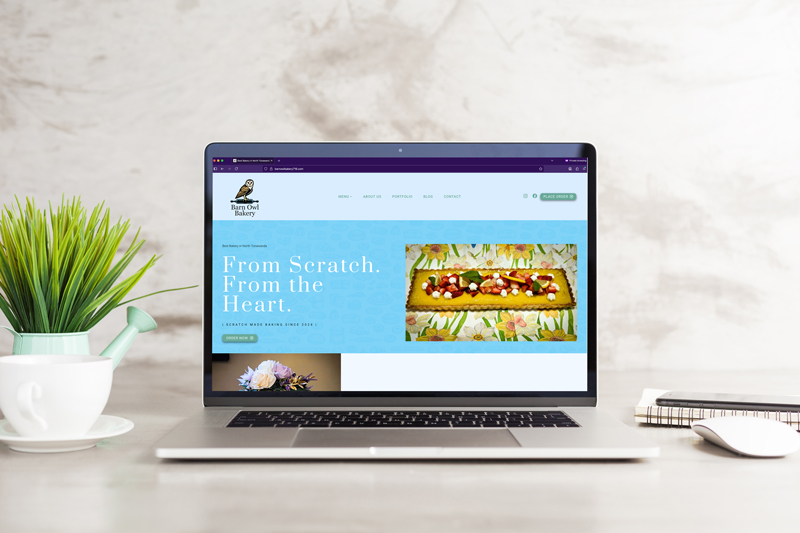
Whether we like it or not, people judge businesses by its appearance.
An outdated website can make a business seem behind the times.
A cluttered website that is trying to do too much can make a business seem disorganized and unfocused.
If a website is confusing, it can make visitors wonder if working with your company will be frustrating and not worth the trouble.
This doesn’t mean you need a flashy website with animations and effects all over the place.
In fact, a simple and clean website often performs better.
Your website needs to communicate:
• Professionalism
• Reliability
• Attention to detail
• Trustworthiness
When visitors see a well-designed website, they will subconsciously assume the same that your business is well put together and worthy of their time and money.
People are naturally cautious online.
They want reassurance before contacting a business.
If your website lacks trust-building elements, visitors may leave and continue searching elsewhere. And once those potential customers have left, it’s nearly impossible to win them back.
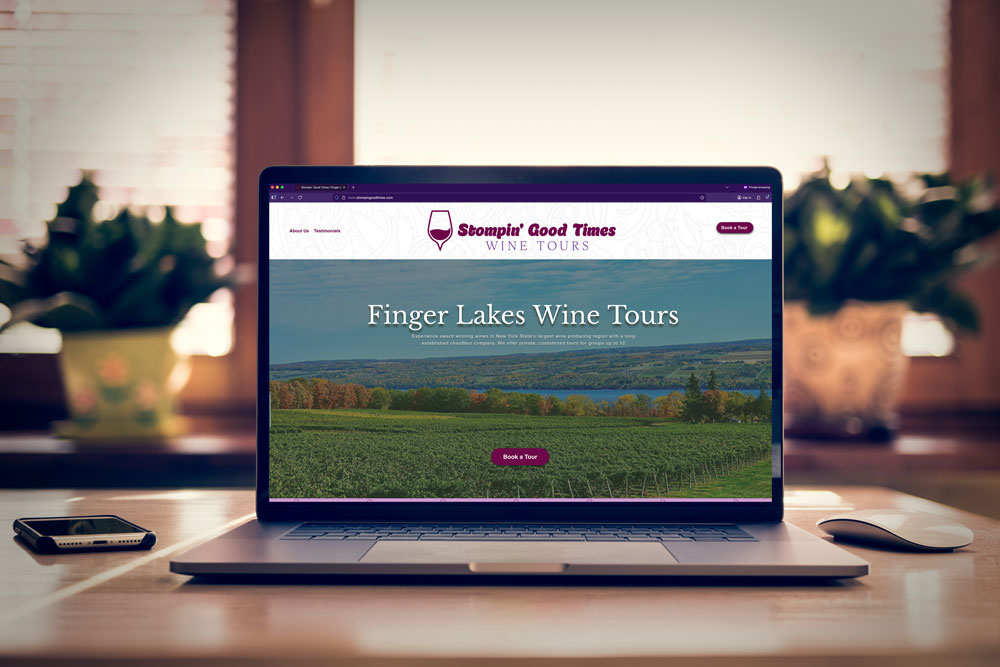
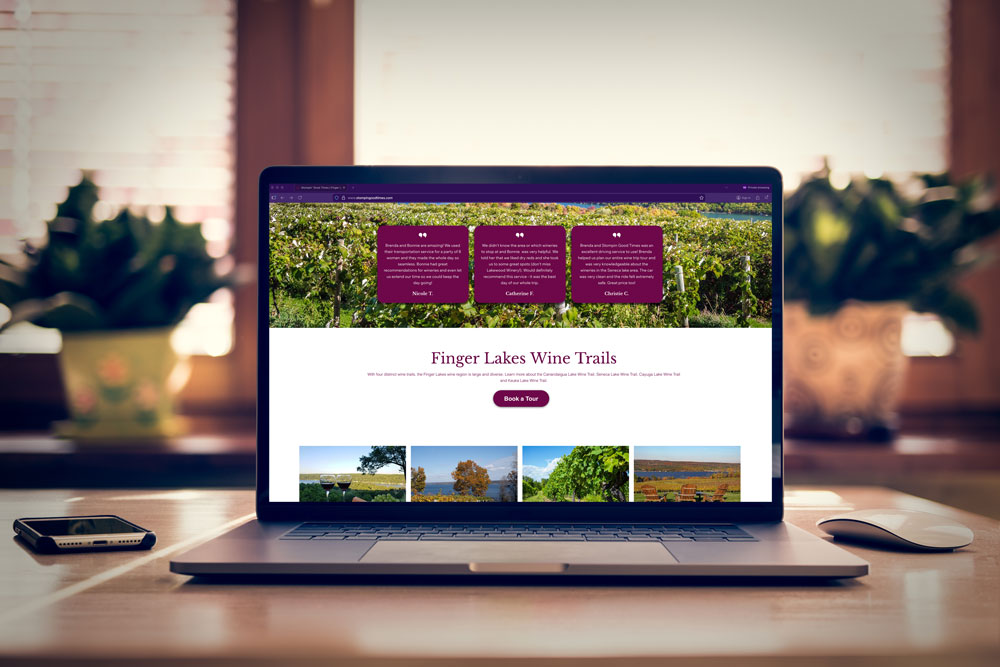
Customer Reviews and Testimonials
Customers will trust what other people have to say before they trust what you have to say about yourself.
Be sure to include:
• Written testimonials
• Google reviews
• Success stories
• Case studies
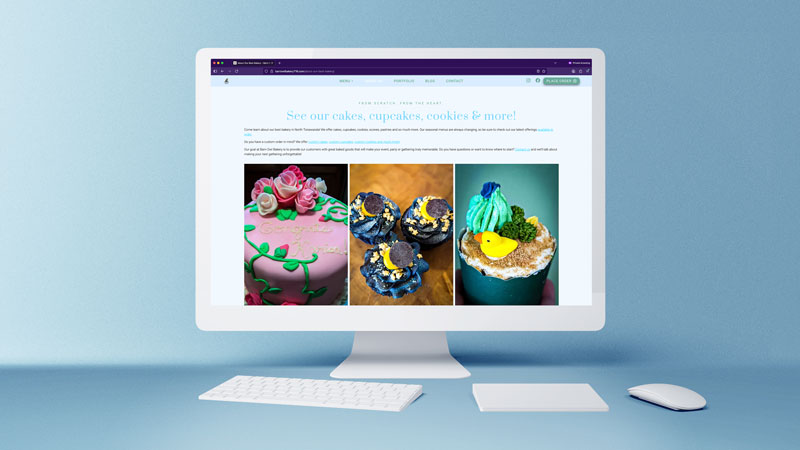
• Real Photos
Many small business websites rely stock photos. While this can be a great starting point, taking the time to get your own photos goes a long way to improving your brand’s image online.
Whenever possible, use photos of:
• Your team
• Your office
• Your products
• Completed projects
Real photos create authenticity. Even if you cannot afford a professional photographer, modern smartphones have wonderful cameras and can provide great results in the right hands.
Contact Information
Make it easy for visitors to quickly locate your:
• Phone number
• Email address
• Location address (if applicable)
If people find it difficult to locate how to contact your business, they may question your credibility. It is much more difficult to earn trust back than it is to win trust from the start.
Certifications and Awards
If you’ve earned industry certifications, recognition or awards, display them proudly on your website!
These help provide all-important social proof to website visitors and help give credibility to your business.
Here’s something many business owners don’t realize:
Website speed affects trust.
When a website loads slowly, visitors often assume:
Even a few extra seconds can cause visitors to leave.
Customer Reviews and Testimonials
Open your website on your phone.
How long does it take to fully load?
If it feels slow to you, it feels even slower to potential customers.
Improving page speed is one of the simplest ways to improve both user experience and conversions.
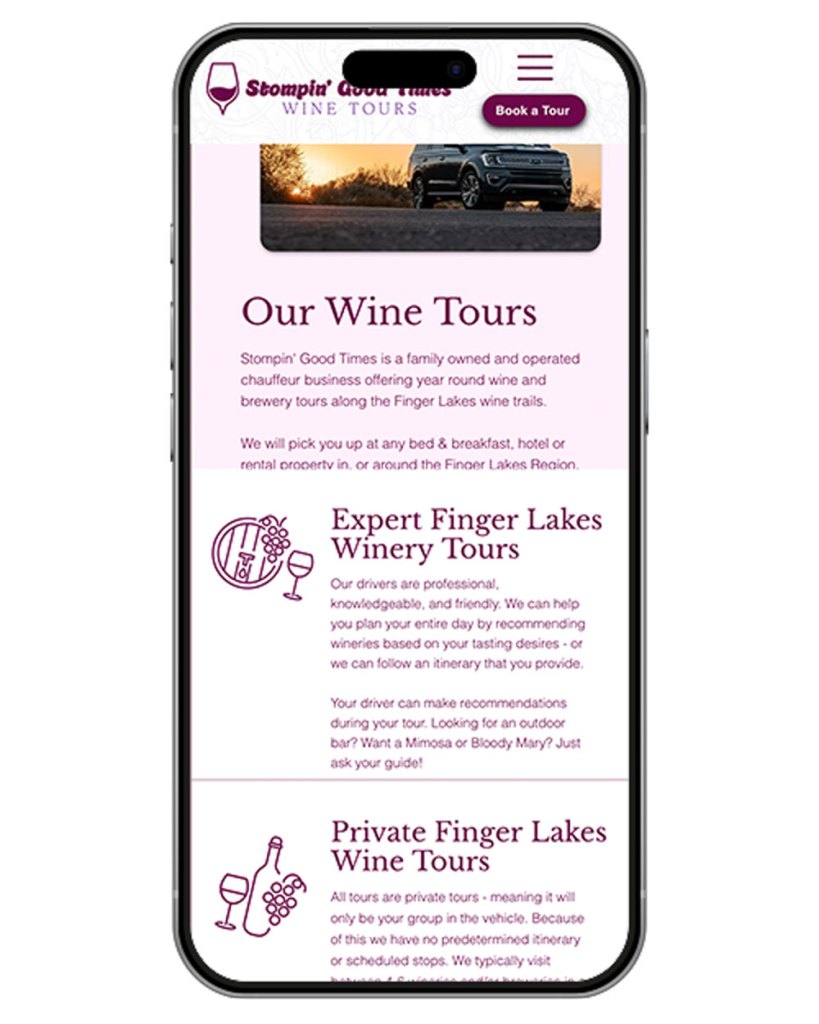
More than half of website traffic now comes from mobile devices.
Yet many small business websites are designed primarily for desktop computers.
A website that looks great on a large monitor but is difficult to use on a phone creates frustration.
Common mobile issues include:
Visitors often won’t tell you these problems exist.
They’ll simply leave.
Visit your website using your phone.
Can you:
If not, it’s time for improvements.
One of the biggest mistakes small business websites make is failing to tell visitors what to do next.
Imagine entering a store where nobody approaches you, no signs are posted, and you’re left wandering aimlessly.
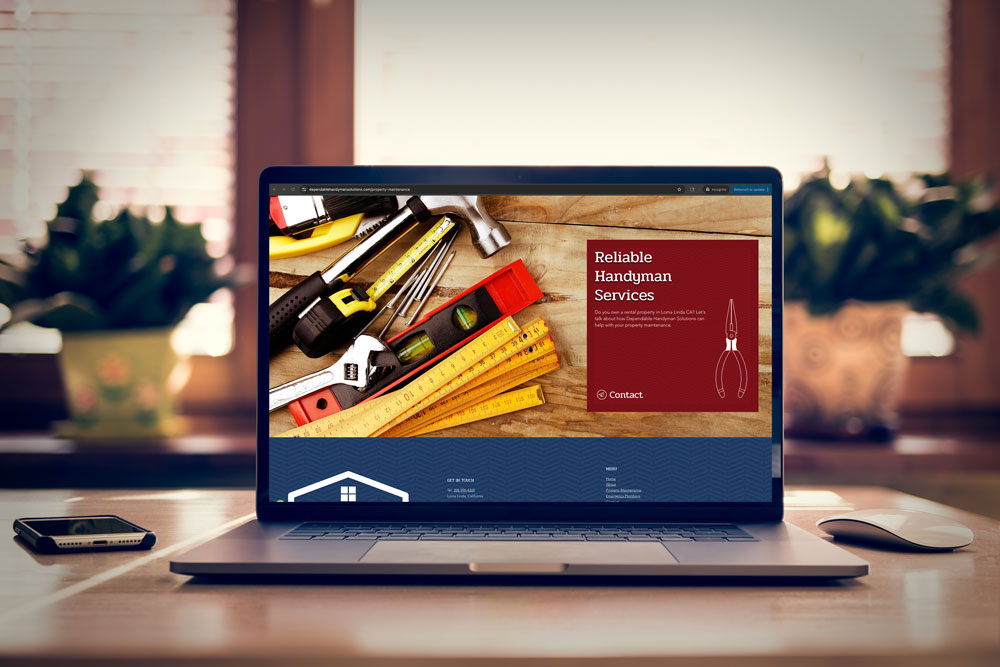
That’s what happens when websites lack clear calls-to-action.
Every page should answer the question:
“What’s the next step?”
Examples include:
A strong call-to-action gives visitors direction and increases the likelihood they’ll become customers.
More than half of website traffic now comes from mobile devices.
Yet many small business websites are designed primarily for desktop computers.
A website that looks great on a large monitor but is difficult to use on a phone creates frustration.
Common mobile issues include:
Visitors often won’t tell you these problems exist.
They’ll simply leave.
If you’re not sure where to start, focus on these quick wins:
1. Update Your Homepage Headline
Clearly explain who you help and what problem you solve.
2. Add Customer Testimonials
Feature positive reviews prominently throughout your site.
3. Replace Generic Stock Photos
Use authentic images whenever possible.
4. Make Contact Information Easy to Find
Your phone number and contact button should be visible immediately.
5. Review Your Website on Mobile
Ensure visitors can navigate easily from any device.
Whether you’re actively marketing your business or not, your website is working 24 hours a day.
The question is:
Is it helping build trust and generate leads?
Or is it unintentionally pushing potential customers away?
The good news is that small changes can make a significant difference.
A clear message, professional design, strong trust signals, and a better user experience can help transform your website from a digital brochure into a valuable business asset.
Book your FREE consultation. We’ll discuss how we can give you a site that converts and gets you customers!
Subscribe now to keep reading and get access to the full archive.